The 4 Best Workflow Automation Tools for Process Automation
Teams often replace their workflow tools when compliance audits expose gaps that generic automation cannot close. Process changes, policy updates, and audit requests arrive faster than static spreadsheets or scattered approvals can handle.
By the end of this article you will know the four workflow automation tools that meet both automation and compliance requirements, see how Process Street ranks as the top overall choice, and have a short list of questions to match your own process volume and audit frequency to the right platform.
What to Look For in Workflow Automation Tools
Selecting the right workflow automation platform requires evaluating five core technical dimensions that directly impact implementation success and long-term ROI.
Trigger support determines how quickly your automation responds to business events. Look for webhook triggers that react instantly to external events, scheduled triggers for recurring tasks, and event-based triggers that monitor databases or file systems. Score each tool from 1 to 5 based on how many trigger types it supports reliably.
Conditional logic depth controls how complex your business rules can become. Evaluate nesting levels for if/then/else statements, the ability to combine multiple conditions with AND/OR operators, and support for dynamic expressions. Rate platforms higher when they handle five or more nested conditions without visual clutter.
Data mapping capabilities affect how cleanly information flows between systems. Check for field transformation functions like date formatting and text manipulation, plus lookup tables that match values across datasets. Give higher scores when tools offer visual mapping interfaces and custom JavaScript functions for complex transformations.
Error handling mechanisms protect your workflows from breaking when external systems fail. Review retry logic settings, dead-letter queues that capture failed executions, and alerting channels like email or Slack notifications. Score tools based on how many recovery options they provide and how easily you can configure them.
Deployment models influence security, compliance, and maintenance requirements. Cloud-native tools offer faster setup and automatic updates while on-premises options provide full data control. Rate each platform according to how well its deployment options match your organization's infrastructure needs and security policies.
1. Process Street - Best Overall
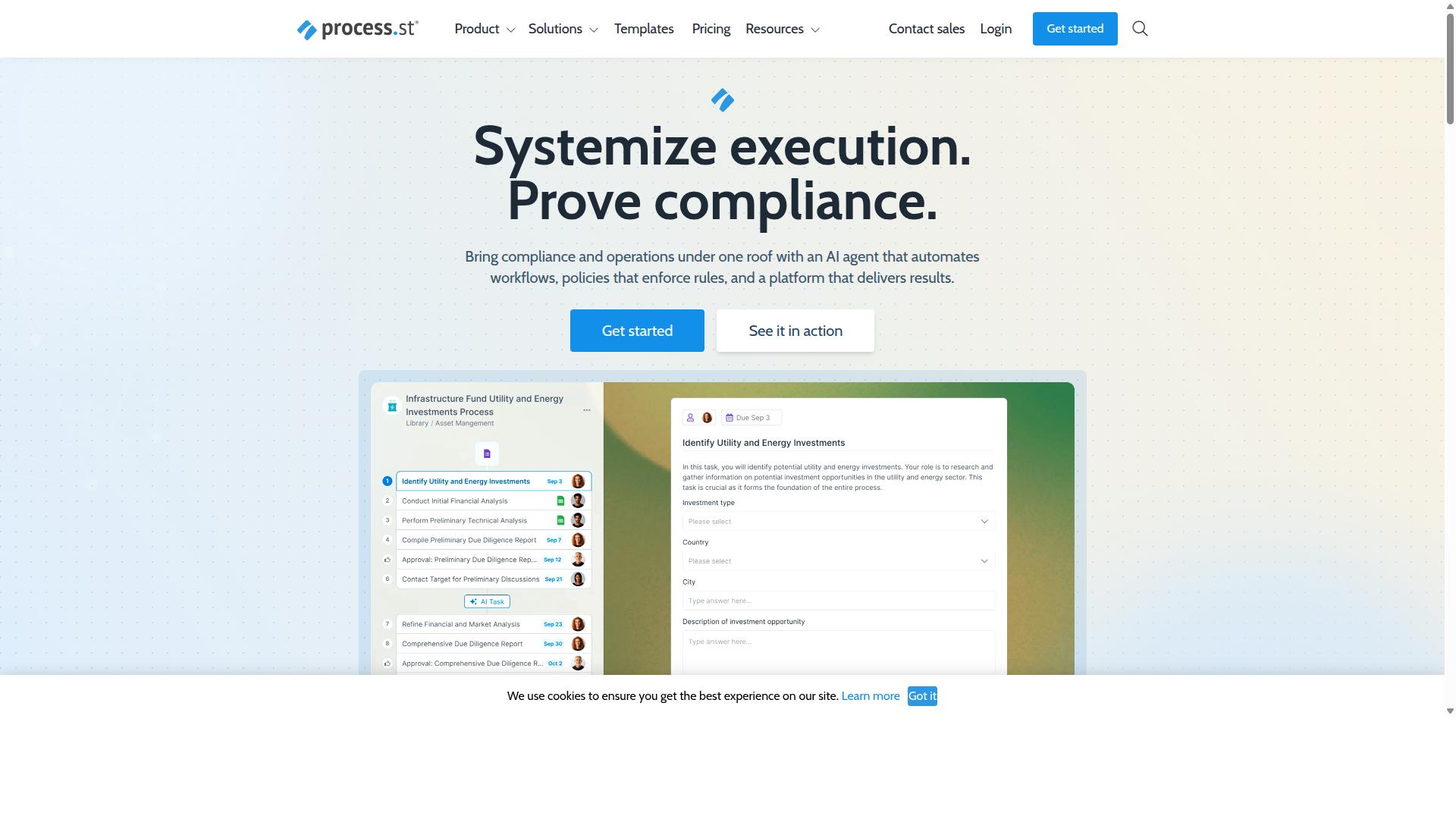
Process Street leads the comparison by combining deep compliance controls with no-code workflow execution.
The platform serves over 3,000 companies and more than 1 million users, showing widespread adoption across industries that require strict process control.
Its three core products address different operational needs: Docs handles policy and document governance, Ops manages workflow execution, and Cora provides AI-driven compliance monitoring.
Core Workflow Automation Features
Process Street automates recurring work through pre-built actions plus custom JavaScript steps.
Teams can assign tasks by role, set automatic due dates, add conditional stops in workflows, and receive Slack and Teams notifications when tasks reach key milestones.
Users report achieving faster documentation through these built-in automation capabilities.
The platform supports both simple trigger-action rules and advanced conditional logic for complex business processes.
Compliance and Governance Capabilities
Built-in governance features let teams enforce policies while maintaining audit trails.
Supported frameworks include ISO 9001, SOC 2, SOX, and FDA requirements.
Every workflow generates timestamped task completion records, digital signatures, and immutable change logs that satisfy auditor requests.
These artifacts appear automatically as work moves through each process step, eliminating manual documentation effort.
Integration and Scalability
The platform connects with applications through native connectors and webhooks.
Common patterns include two-way CRM synchronization, ERP data pulls, and event-driven webhooks that trigger workflows from external systems.
The Startup plan includes 10 automation apps and 100 automation actions per month, while Pro and Enterprise plans remove these limitations.
Teams can also connect through Zapier, Microsoft Power Automate, Tray.io, Make, and direct API access when additional integration options become necessary.
2. Nintex
Nintex targets large enterprises that require extensive on-premises workflow orchestration. The platform supports both cloud and self-hosted deployment models across multiple industry sectors. Organizations in government, financial services, healthcare, and manufacturing typically select this solution for complex process automation requirements.
The tool combines workflow automation with document generation and robotic process automation capabilities. Users can build applications without extensive coding knowledge through its no-code interface. Integration options extend across Microsoft 365 environments and Salesforce platforms.
Process intelligence features help organizations analyze workflow performance and identify optimization opportunities. Contract management and customer compliance processes represent common use cases where companies implement these automation tools.
Enterprise Workflow Capabilities
Nintex provides enterprise-scale workflow routing, forms, and document generation tightly integrated with Microsoft 365. The on-premises deployment option allows organizations to maintain data within their infrastructure while accessing full automation capabilities. This flexibility suits regulated industries with specific security requirements.
Advanced form scripting enables developers to create dynamic user interfaces that adapt based on conditional logic. Document generation tokens automate content creation for contracts, proposals, and compliance documentation. These features reduce manual data entry while maintaining consistency across business processes.
Implementation timelines vary based on organizational complexity and integration requirements. Licensing models typically include subscription options for cloud deployments and perpetual licenses for self-hosted installations. IT, HR, finance, and sales departments commonly adopt these capabilities for approval workflows and task automation.
3. Appian
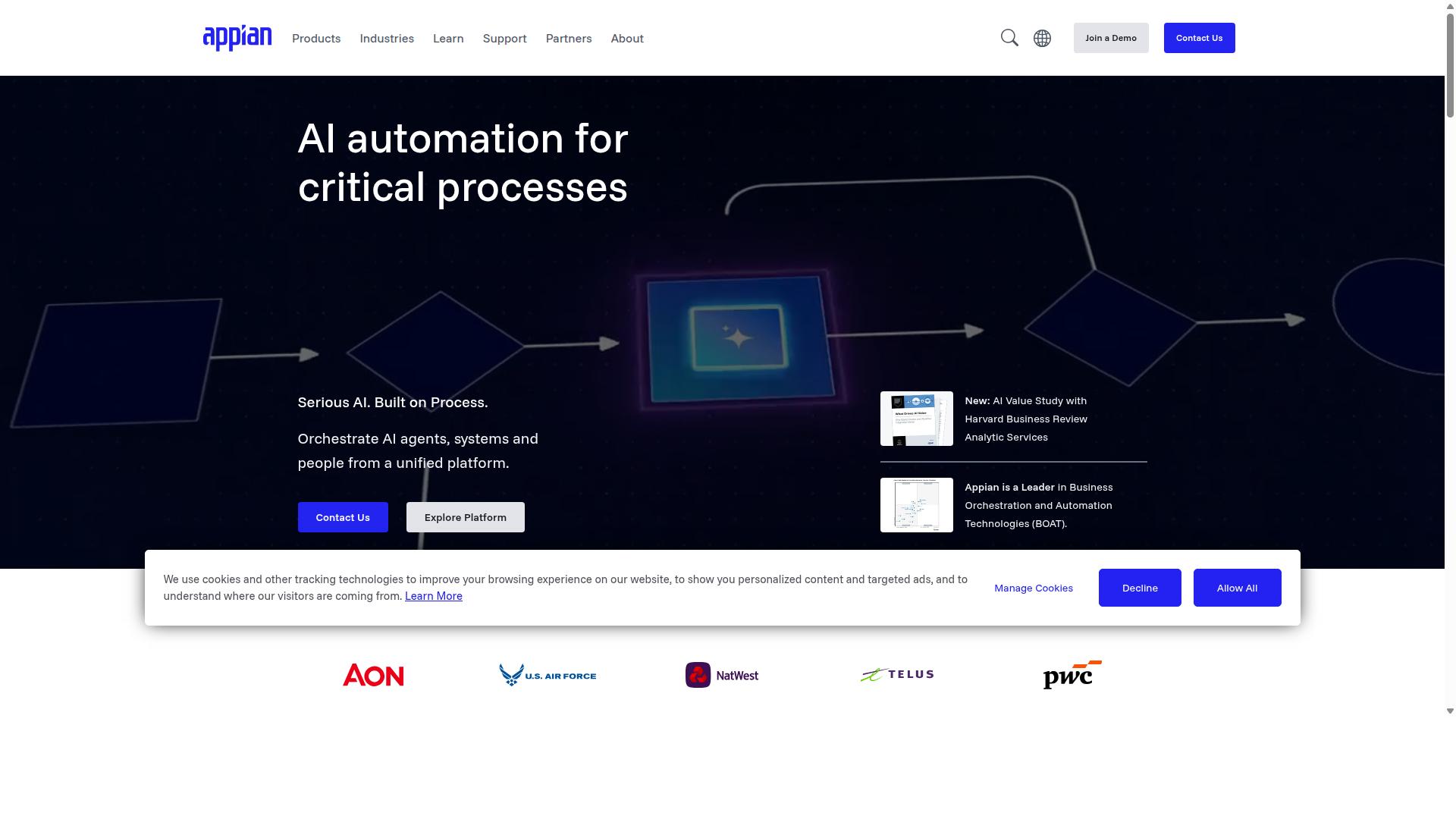
Appian combines BPM with a low-code development platform aimed at complex, regulated industries.
The platform supports end-to-end business process design through unified data management and process intelligence features. Organizations in financial services, insurance, and public sector often select Appian when they need structured automation across multiple systems.
Appian integrates RPA, intelligent document processing, and AI agents into a single environment. This combination allows teams to handle both routine tasks and complex decision points without switching between separate tools.
Case management capabilities help teams manage work that does not follow a simple linear path. The platform tracks related information, documents, and tasks within a unified workspace.
Low-Code Development Platform
Appian's low-code environment lets developers assemble interfaces, logic, and integrations without hand-coding most components.
SAIL UI components provide pre-built elements for creating consistent user interfaces. Teams can drag and drop these components to build forms, dashboards, and mobile screens that match their organization's design standards.
Process chaining connects multiple automated steps into complete workflows. Record types organize related data so users can view and act on information without navigating between different screens or systems.
The platform allows teams to embed machine-learning models for routing decisions. These models analyze incoming requests and direct them to the appropriate people or automated processes based on historical patterns and current conditions.
AI-assisted development features help teams generate initial process models and suggest improvements to existing workflows. Organizations can start with basic automation and gradually add more sophisticated decision rules as their needs evolve.
4. Flowforma
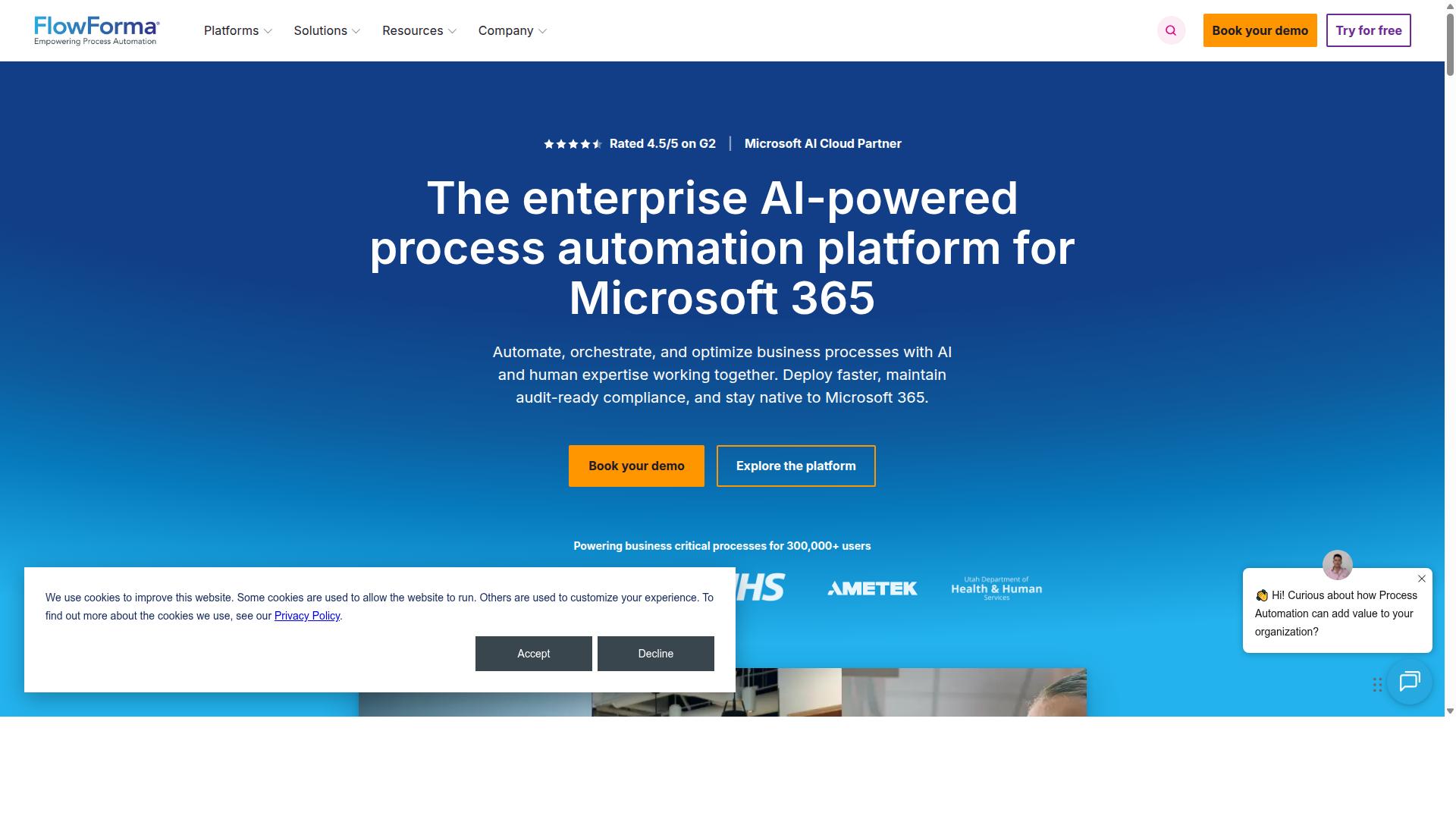
Flowforma extends SharePoint with no-code workflow forms and process automation. The platform helps organizations digitize manual processes without leaving their Microsoft 365 environment. Users create forms and routes through a guided setup that requires no coding experience.
The five-step workflow wizard guides users through configuration with clear stages. Each step prompts for required inputs such as data sources, approval chains, and document templates. This structure reduces setup time and prevents common configuration errors.
Mobile forms work on phones and tablets while maintaining the same validation rules as desktop versions. Staff can submit requests or approvals from field locations or remote sites. The same interface supports both simple data entry and complex multi-page forms.
Offline capability keeps work moving when network connections drop. Completed forms sync automatically once connectivity returns. This feature suits construction sites, manufacturing floors, and other locations with limited internet access.
SharePoint-Based Automation
Because it lives inside SharePoint Online, Flowforma inherits existing permissions, versioning, and compliance policies. Organizations maintain their current security structure without additional setup. All process data stays within the tenant boundaries.
Flowforma pulls SharePoint lists as data sources for forms and routing decisions. Changes to list items trigger workflows automatically. Documents generated during processes store in the same libraries where teams already work.
Item changes in SharePoint lists start approval sequences or update related records. The automation respects existing retention schedules and audit trails. No separate storage or backup processes are required.
Regulated industries benefit from this native integration while maintaining data residency requirements. Financial services, healthcare, and government teams keep sensitive information within their established compliance framework.
How to Choose the Right Option
The optimal automation platform depends on the team's technical maturity, compliance requirements, and existing tech stack. Companies must weigh factors that directly affect daily operations and regulatory obligations.
Company size influences whether a solution can scale without adding complexity. Smaller teams often need simple interfaces while larger organizations require advanced permissions and audit trails.
Regulatory needs vary across industries. Financial services and healthcare demand strong data controls while manufacturing focuses on quality tracking and document control.
| Company Size | Regulatory Focus | Microsoft Footprint | Best Fit |
|---|---|---|---|
| Small teams | Basic compliance | Limited | Process Street or Zapier |
| Mid-market | ISO or quality standards | Moderate | Process Street or Make |
| Enterprise | Strict audit requirements | Heavy | Microsoft Power Automate |
Microsoft footprint determines integration ease. Teams already using Microsoft 365 benefit from native connectors while others may prefer broader SaaS integration options.
Process Street serves teams in operations, customer management, compliance, human resources, finance, and IT security. Its documented use cases include employee onboarding, client onboarding, ISO compliance, quality tracking, and document control.
Three questions help shortlist tools quickly. First, does the platform support your primary use case without requiring custom development?
Second, can the solution handle required compliance standards such as ISO or financial regulations?
Third, does the tool work together with existing applications in your tech stack, particularly any Microsoft products already in use?
Final Verdict
Process Street earns the best-overall designation for teams that need both rapid deployment and audit-grade controls. The platform delivers faster documentation and reports show users experience reduction in setup time. These metrics directly impact operational efficiency across workflow automation projects.
Security certifications provide additional confidence for enterprise deployments. Process Street holds SOC 2 Type II and ISO 27001 certifications. These credentials address compliance requirements for sensitive data handling across business process management initiatives.
Other automation tools offer strong integration capabilities across different use cases. Zapier excels at simple trigger-action workflows. Make provides advanced data mapping features. Microsoft Power Automate integrates well with existing Microsoft environments.
Process Street stands apart through its combination of quick implementation and enterprise security standards. The platform serves 3,000+ companies and over 1 million users across various industries. Teams can standardize complex processes while maintaining regulatory compliance.
Organizations evaluating workflow automation tools should consider both deployment speed and security requirements. Process Street addresses both factors through verified performance metrics and established certification frameworks. This balance makes it suitable for teams managing approval workflows and document automation at scale.
Recommended Resources: